
Features
Speed up project work
Boards
The foundation of your project workspace

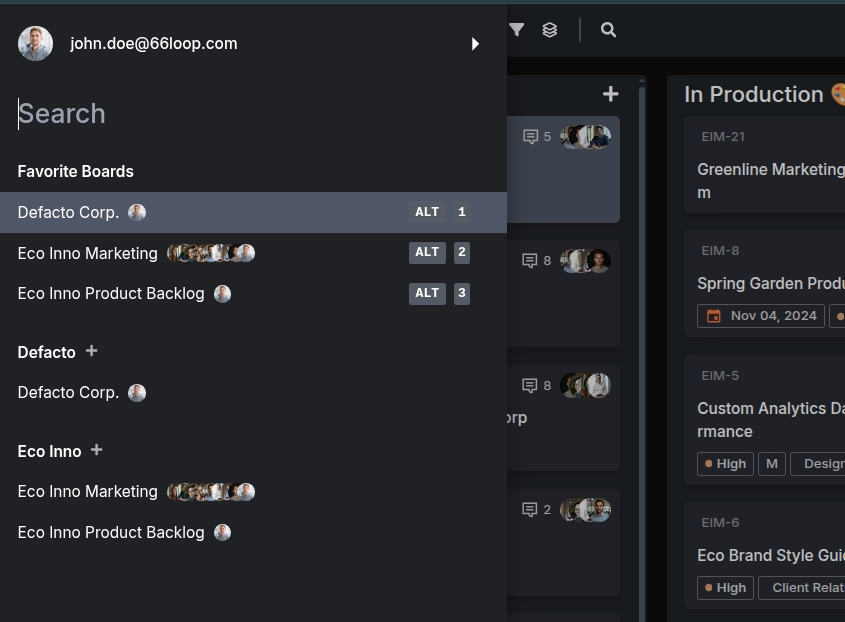
Multi-board System
Separate boards for different projects and teams with instant switching
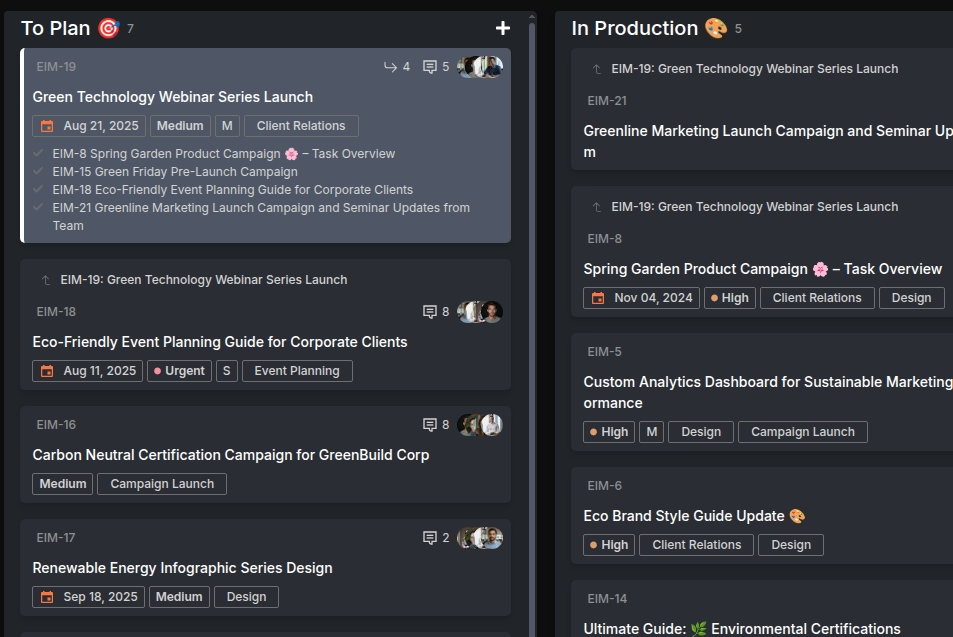
Subtask System
Organize complex work into manageable, trackable components with seamless parent-child relationships
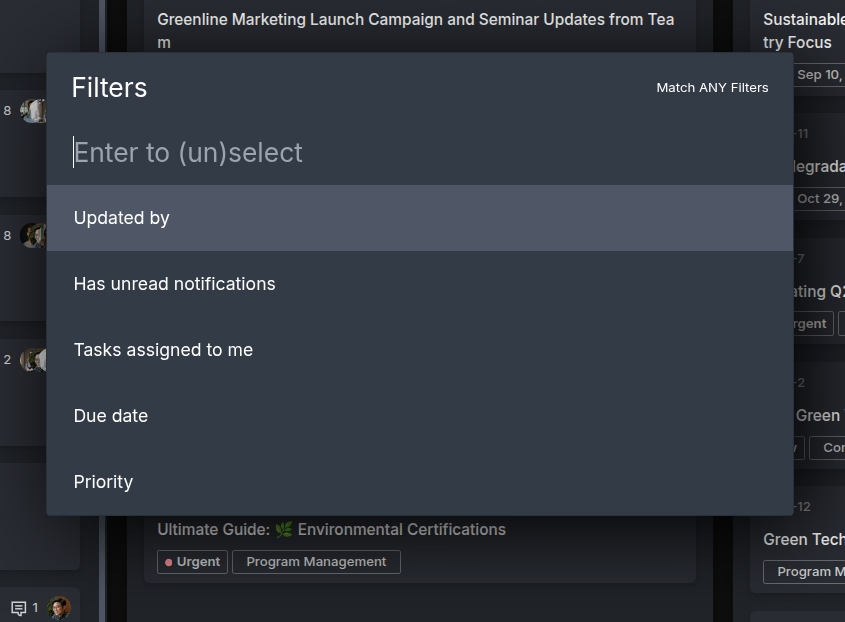
Advanced Filtering
Shift+F with multiple filter combinations to find exactly what you need
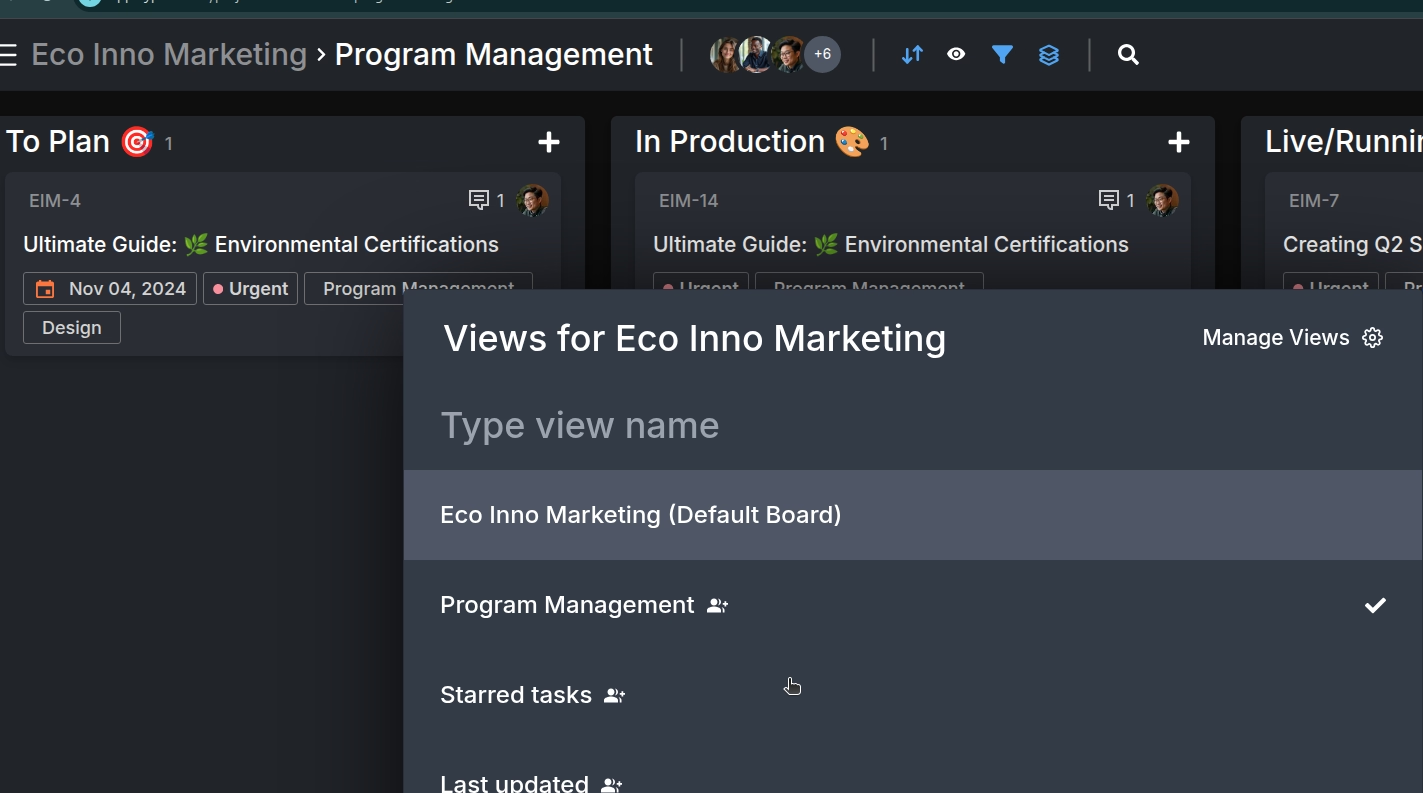
Custom Views & Sorting
Save filtered views and sort by various criteria for personalized workflows
Tasks
AI-powered task management that thinks ahead
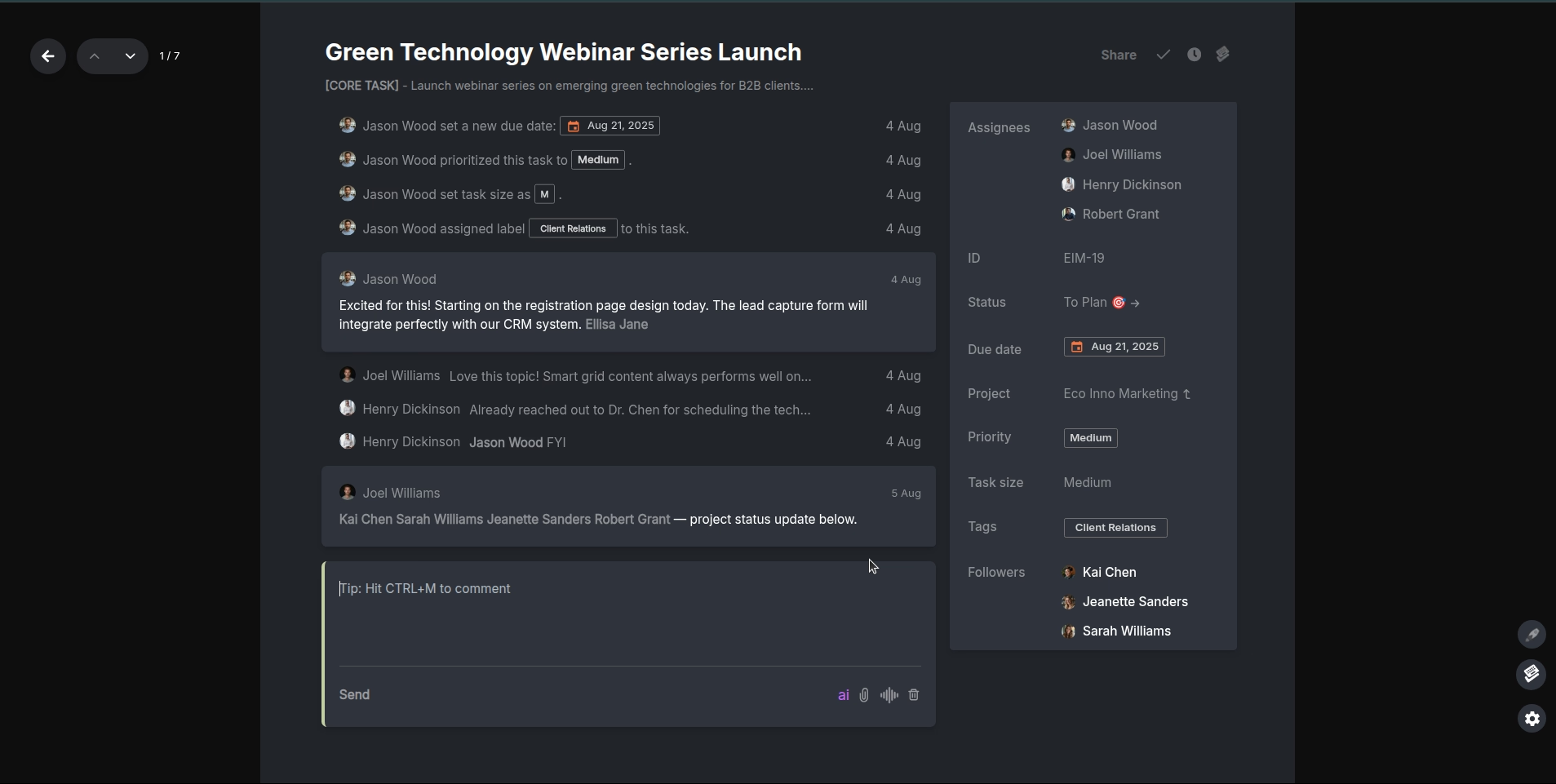
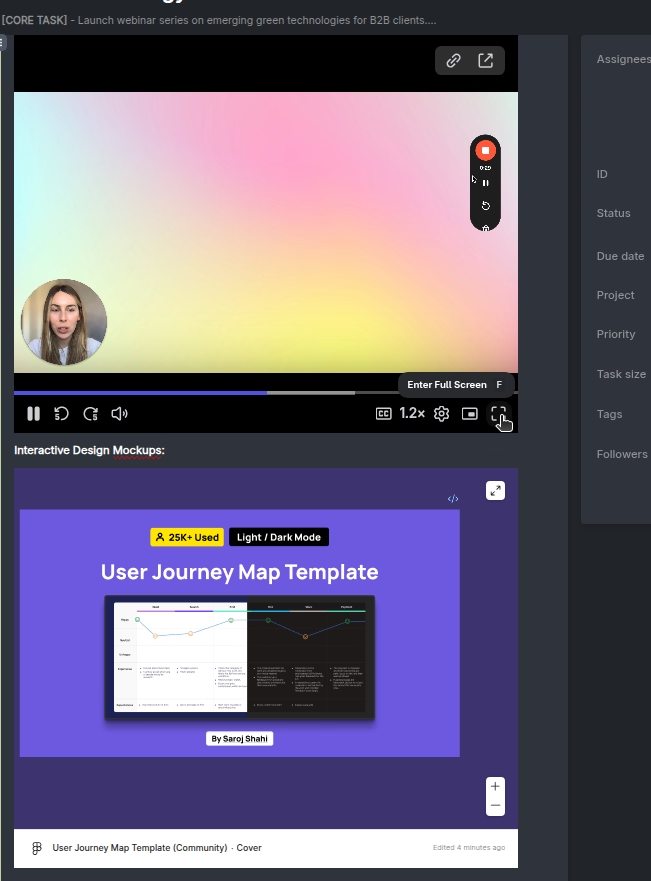
Loom & Figma Embeds
Embed interactive Loom videos and Figma designs directly in your tasks for seamless collaboration.
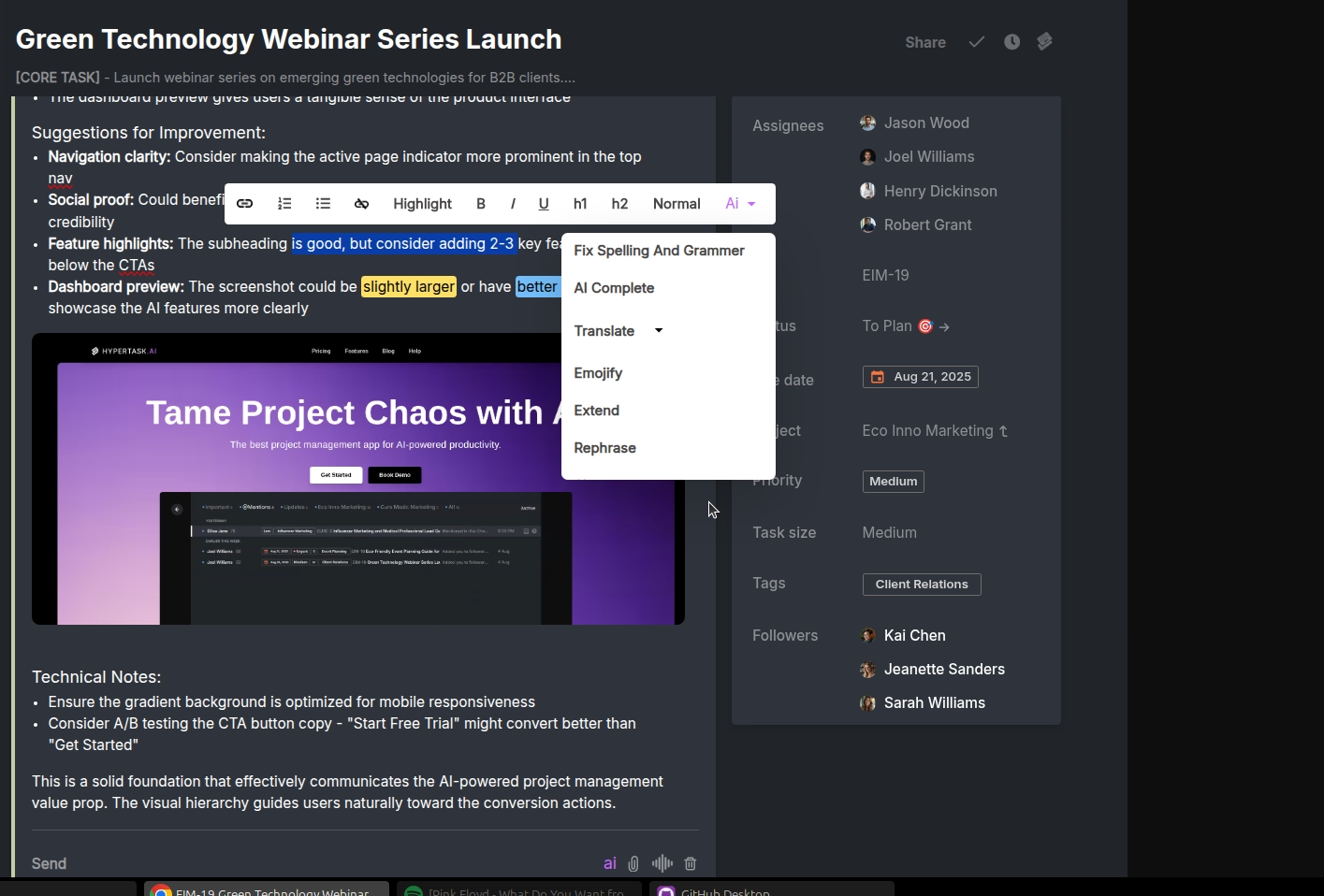
Rich Text Editor
Write, format, and organize your task details with a powerful rich text editor.
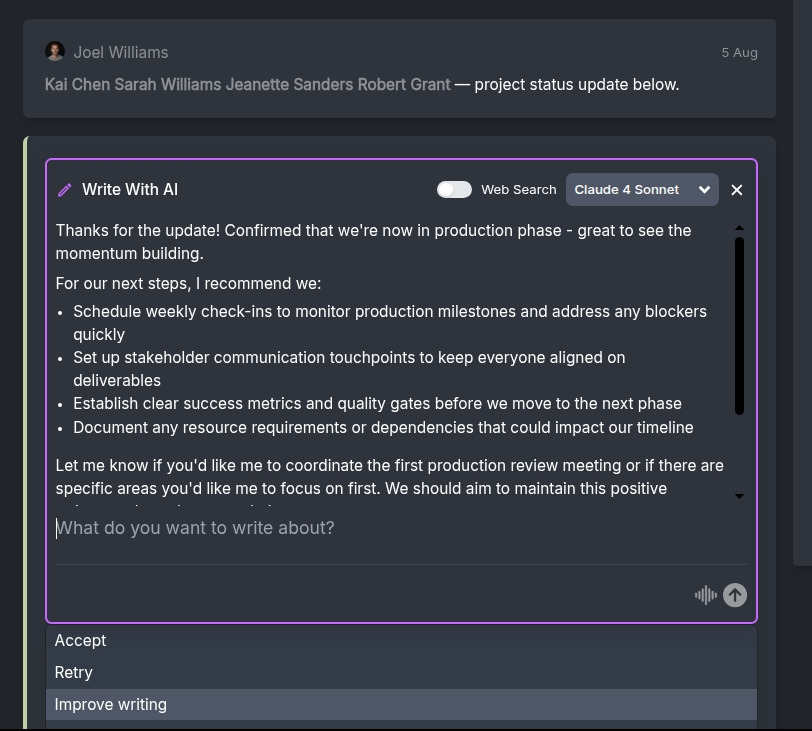
Write with AI
Tell AI what you want to say, and it will write your comments or task descriptions for you.
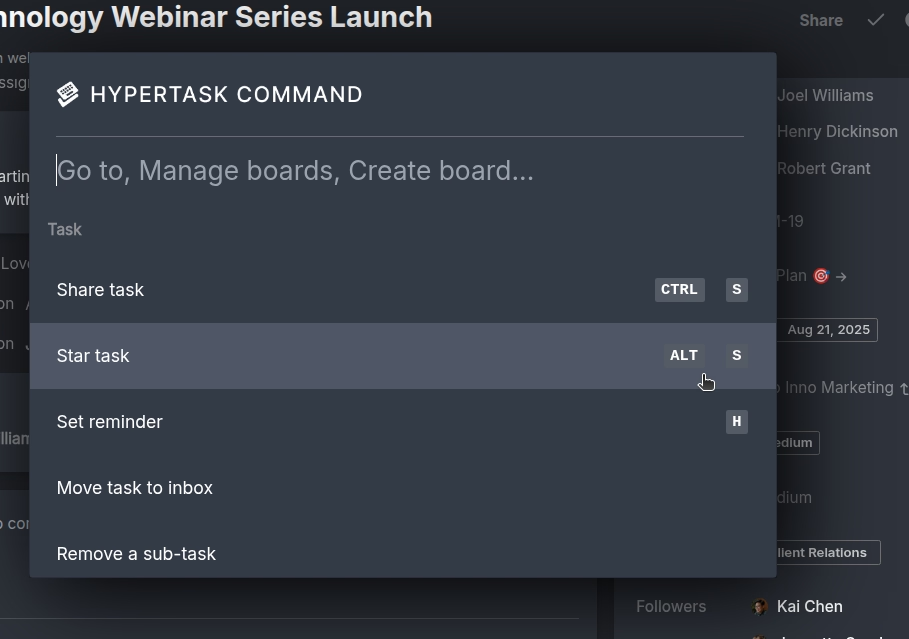
HTC Support
Strong HTC (Hypertask Completion) support to help you clear your tasks and stay productive.
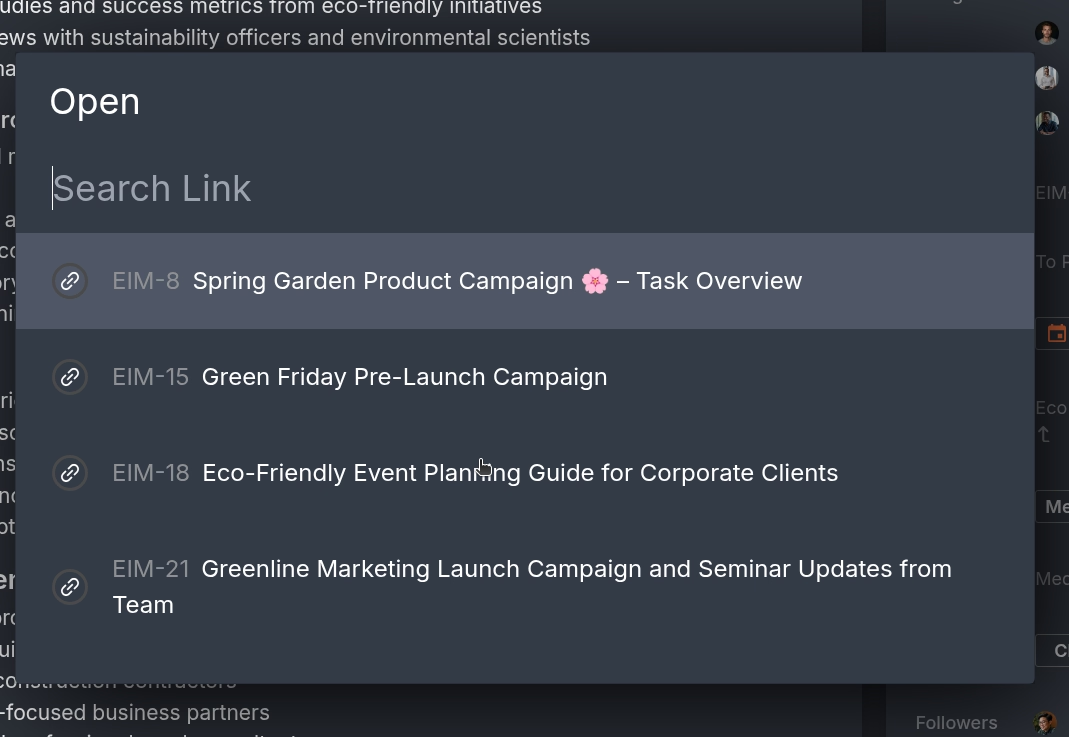
Quick Link Navigation
Press CTRL+O to instantly read and navigate all links within a task.
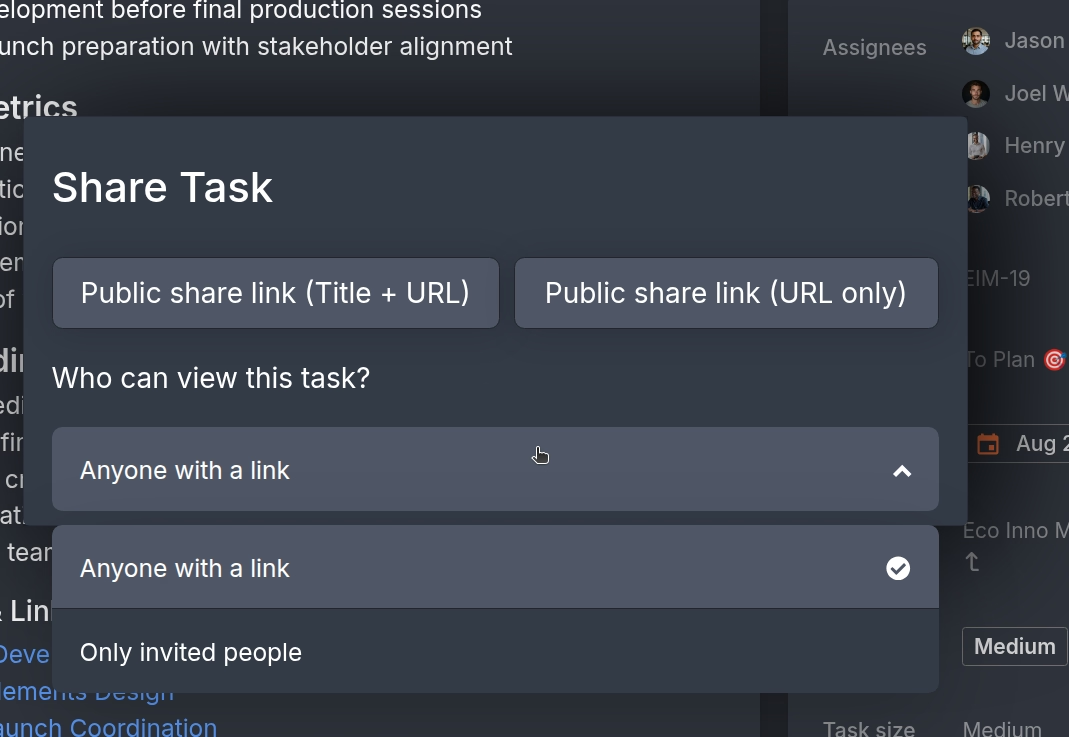
Public Task Sharing
Share any task publicly—no signup required. Collaborate with colleagues just like sharing a Google Doc.
Inbox
Superhuman-inspired project communication
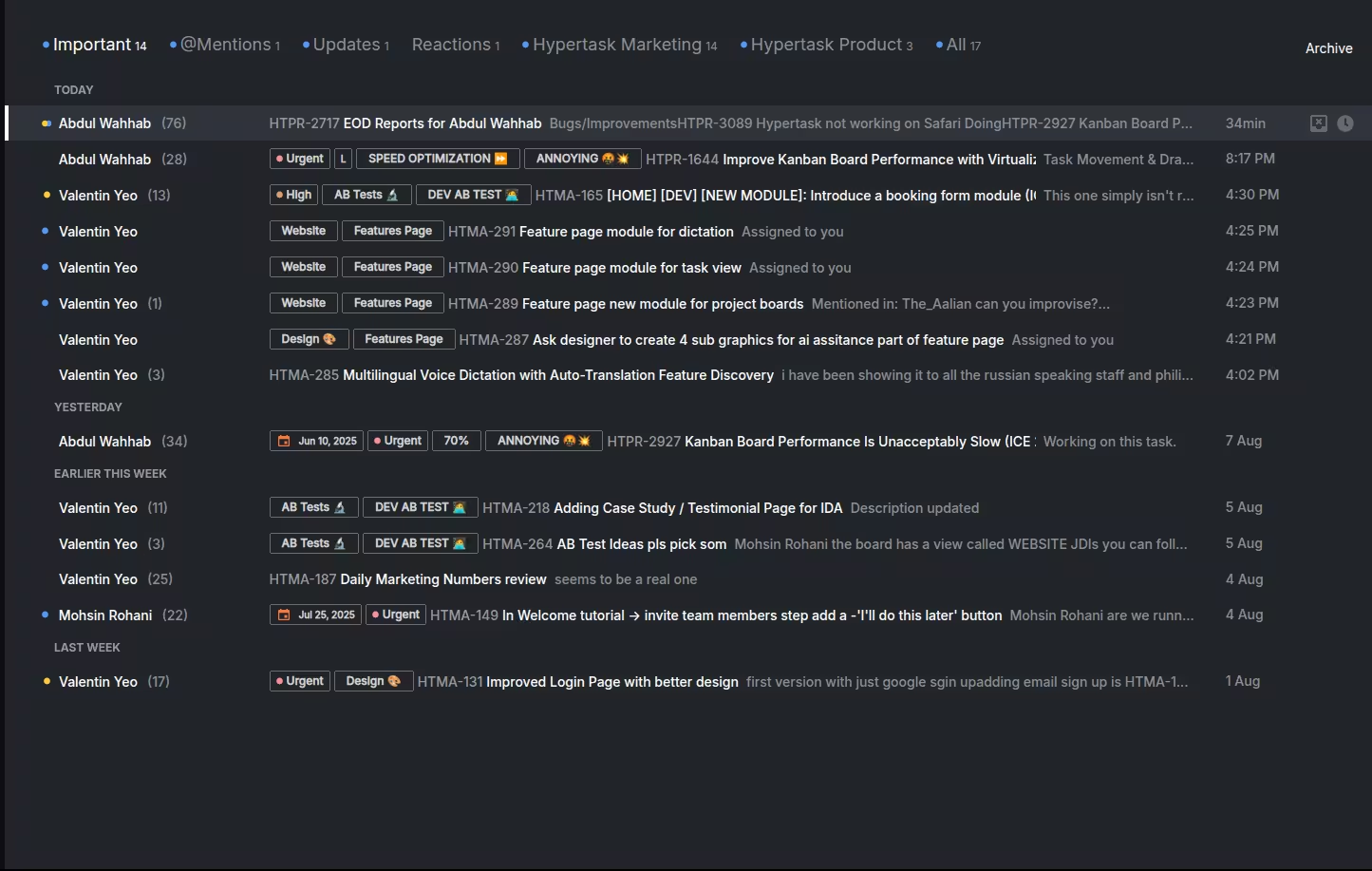
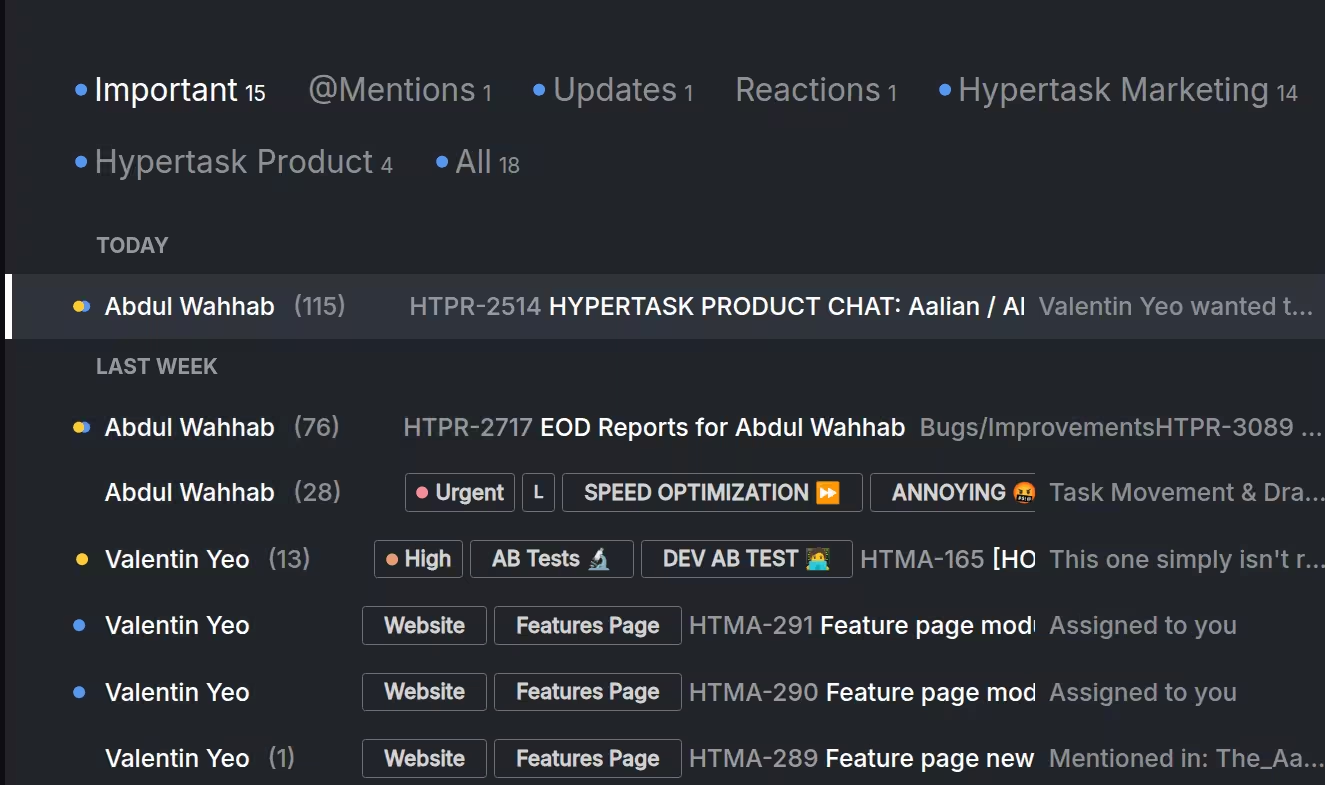
Auto-splits
Automatic categorization by project and type (Important, Mentions, Reactions, Updates)
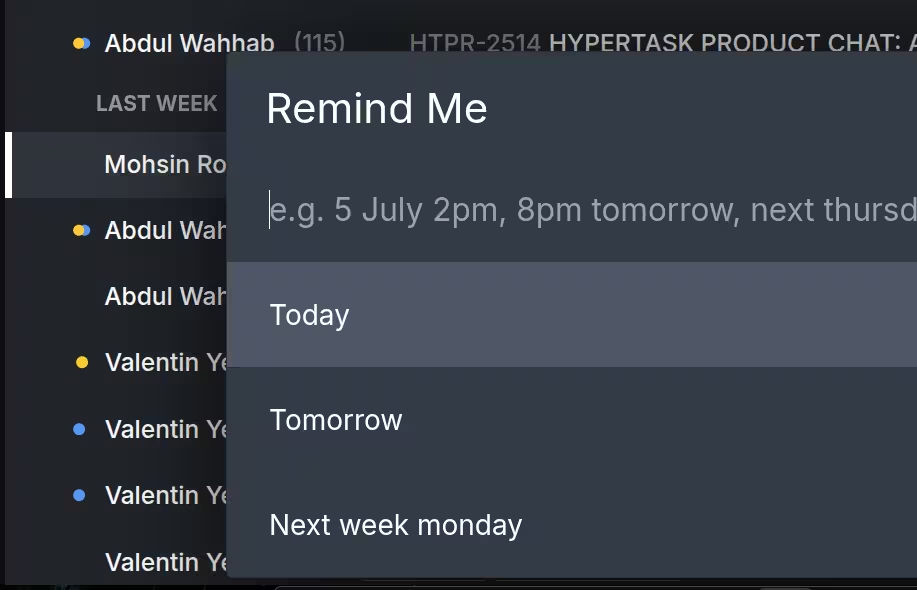
Snooze Functionality
Press 'H' to remind later, understand natural language inputs
HTC Inbox
Clear your inbox daily for peak productivity and focus
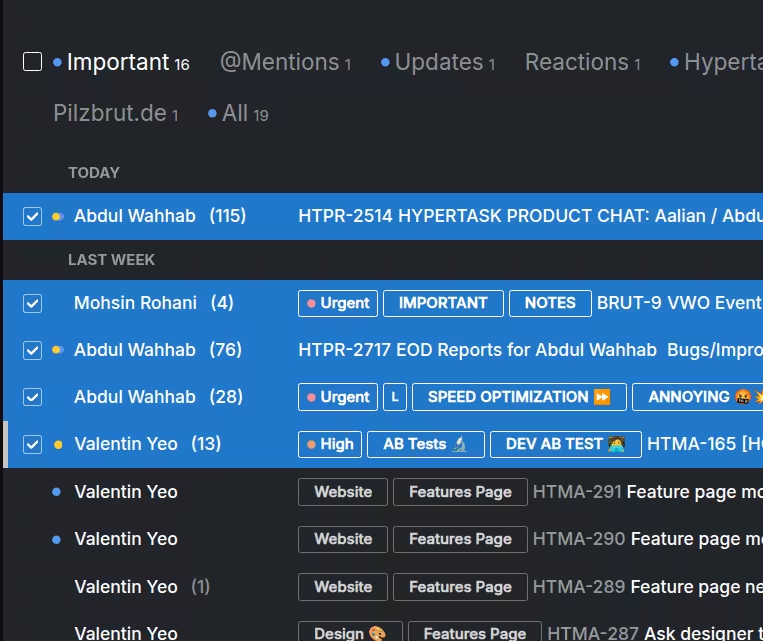
Bulk Processing
Handle hundreds of notifications efficiently with keyboard shortcuts
AI
Multiple premium AI models at your fingertips
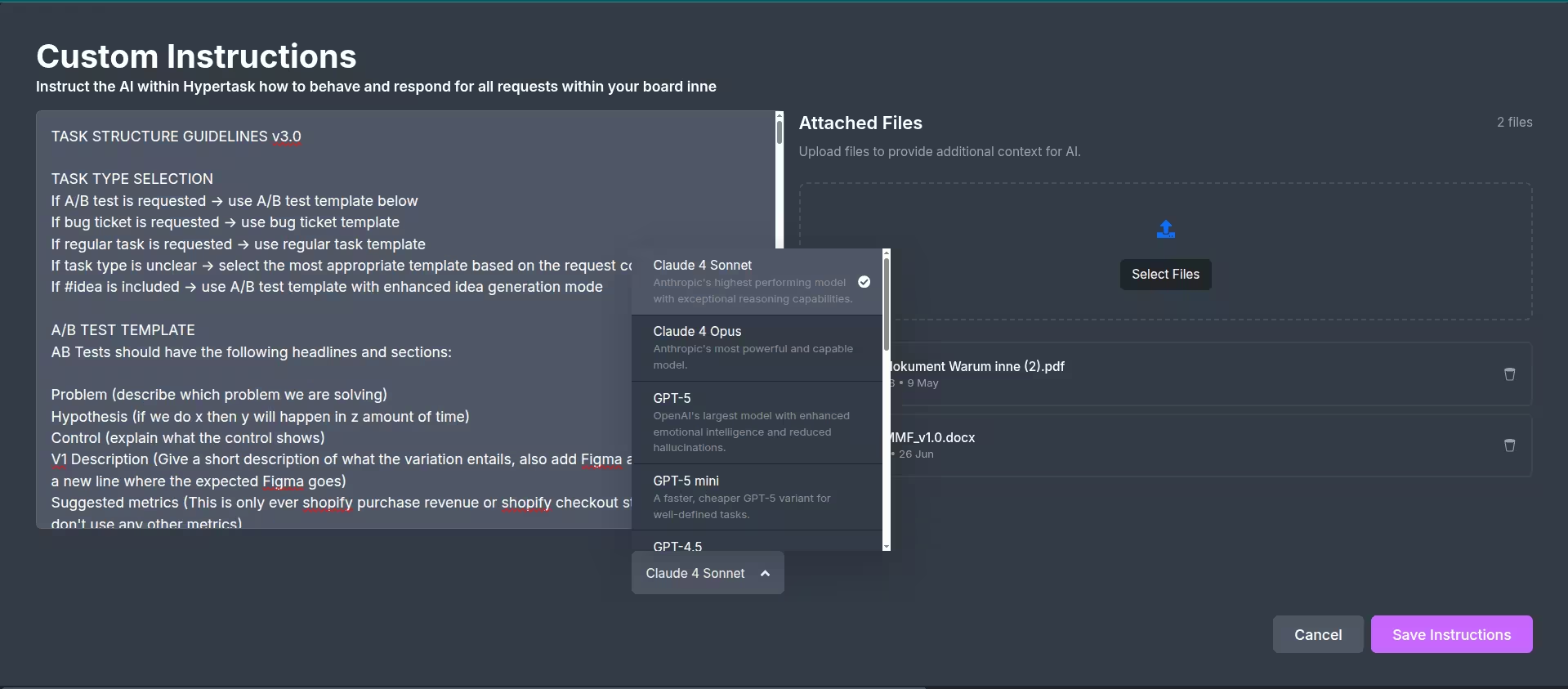
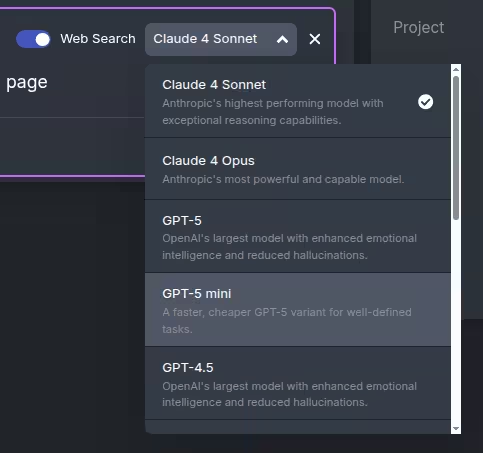
Multiple AI Models
Access GPT-5, Claude Opus, and other premium models seamlessly
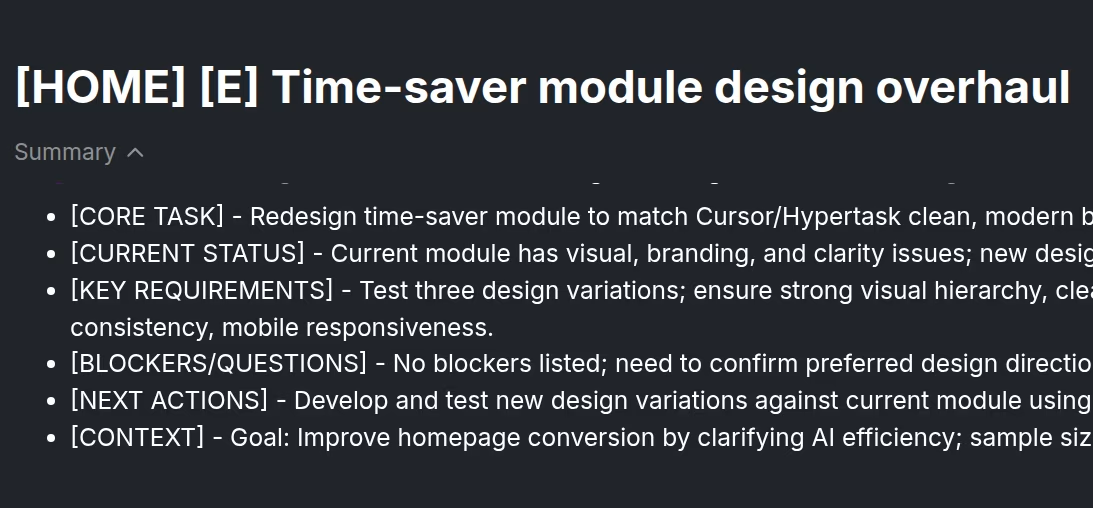
Auto Summaries
Real-time AI summaries that update as tasks and projects evolve
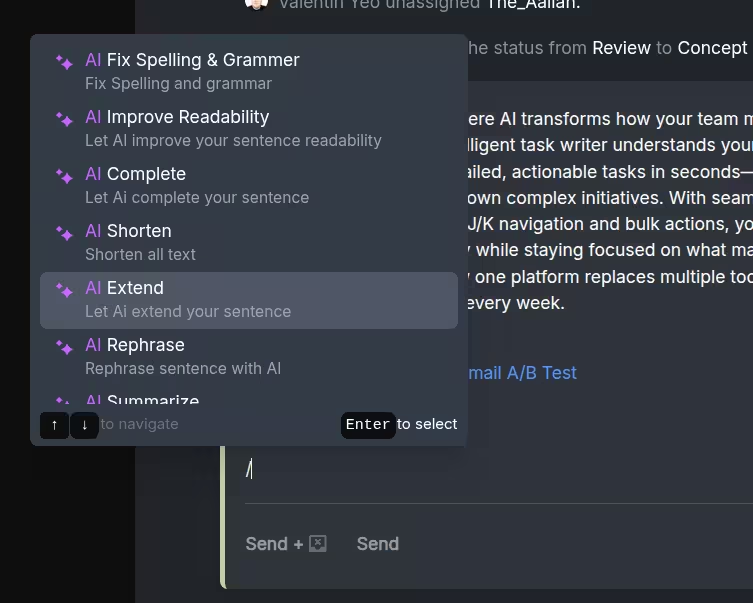
Inline AI
AI assistant that knows your entire project context and history
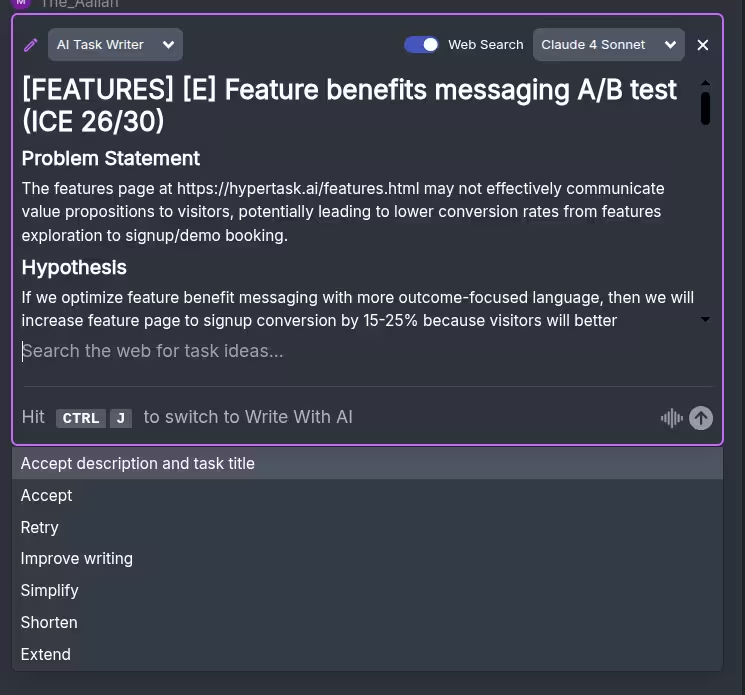
Write with AI
AI enhances readability of messages and task descriptions
Voice Dictation
Speak your ideas into structured tasks
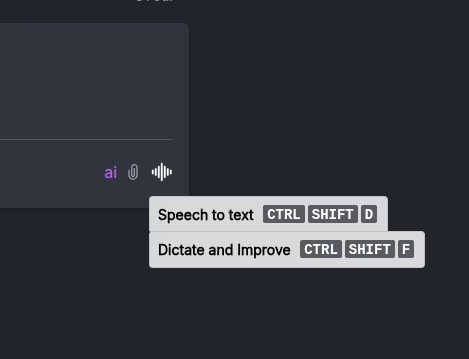

Voice to Tasks
Transform spoken ideas into detailed, structured task descriptions
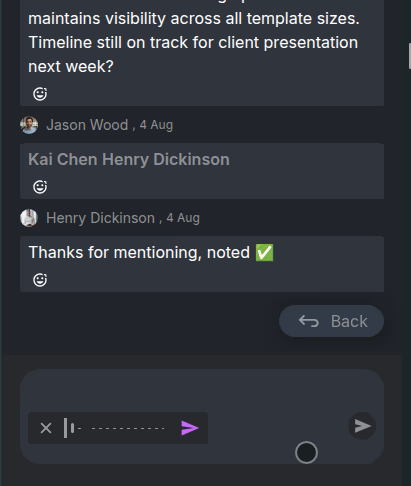
Mobile Optimized
Perfect for capturing thoughts while walking or commuting
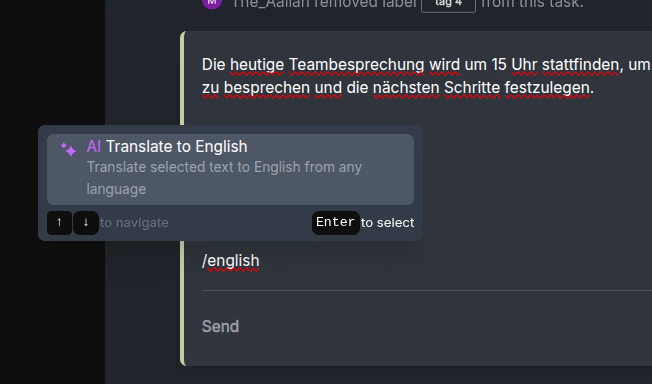
Multi-language Support
Dictate in your preferred language with high accuracy

Smart Formatting
Automatically formats dictated content into proper task structure
Keyboard-Driven
Navigate at the speed of thought
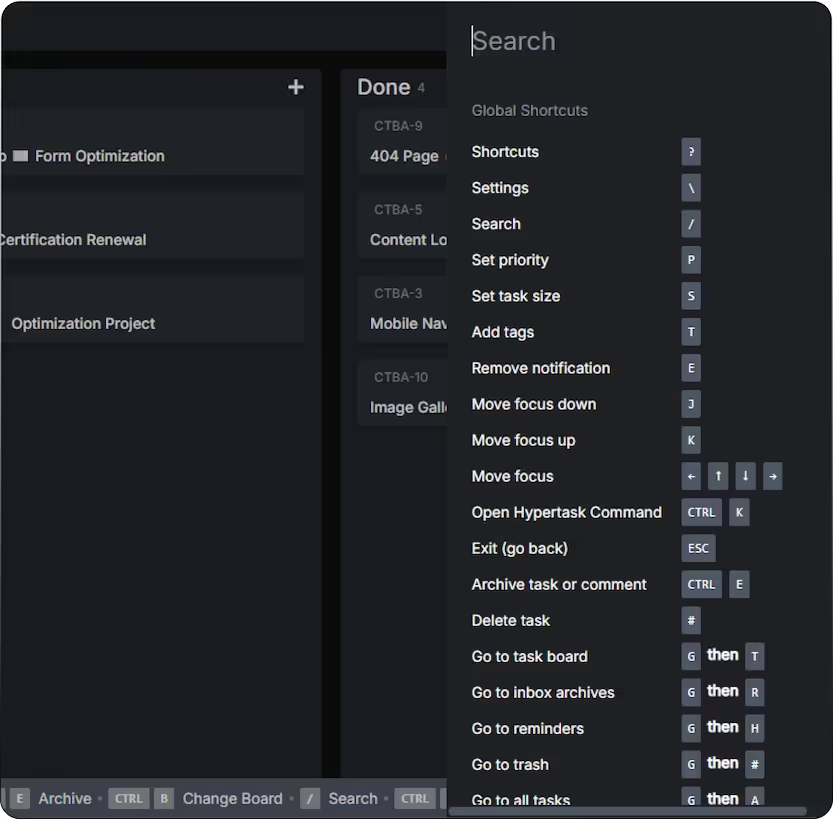
Complete Keyboard Coverage
Every action possible without touching your mouse
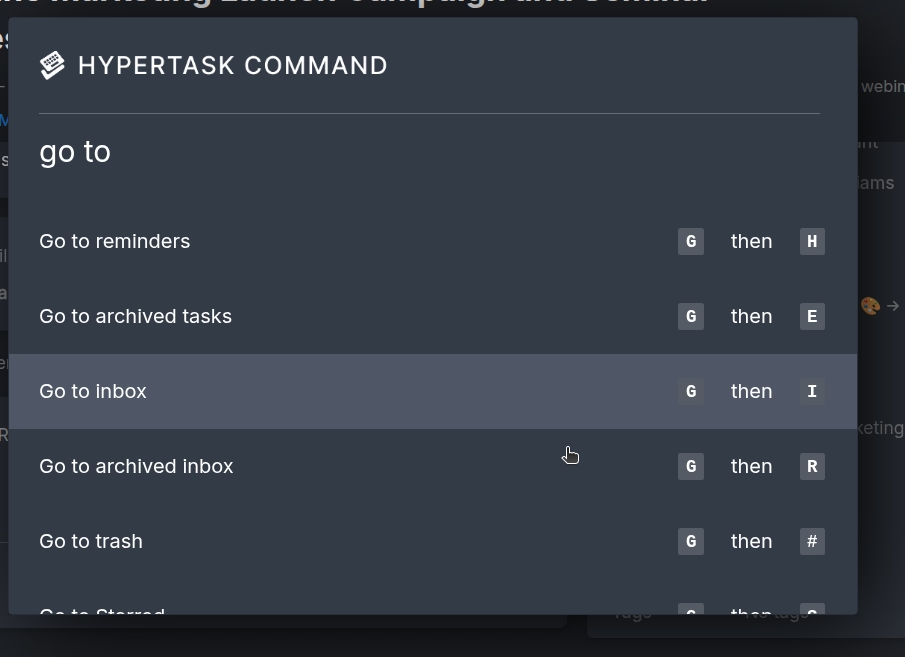
J/K Navigation
Move up/down through tasks and inbox items like a pro
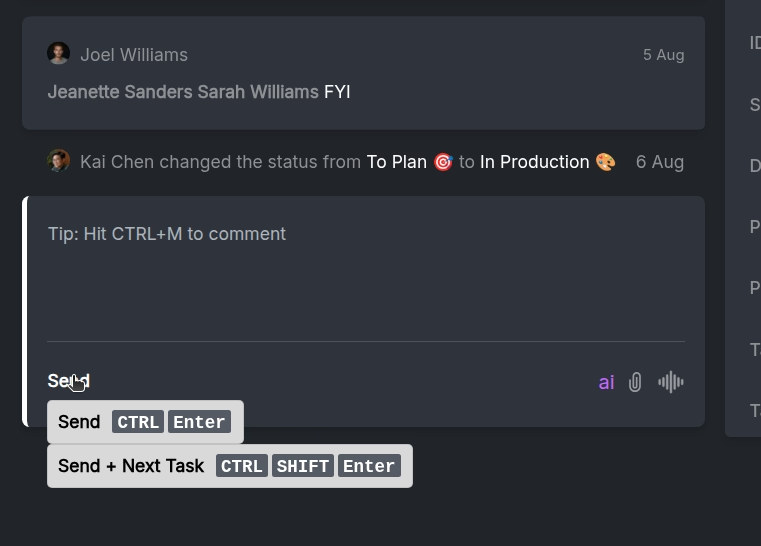
Quick Actions
Press 'C' to create, 'G+A' for all tasks, Alt+1-9 for board favorites
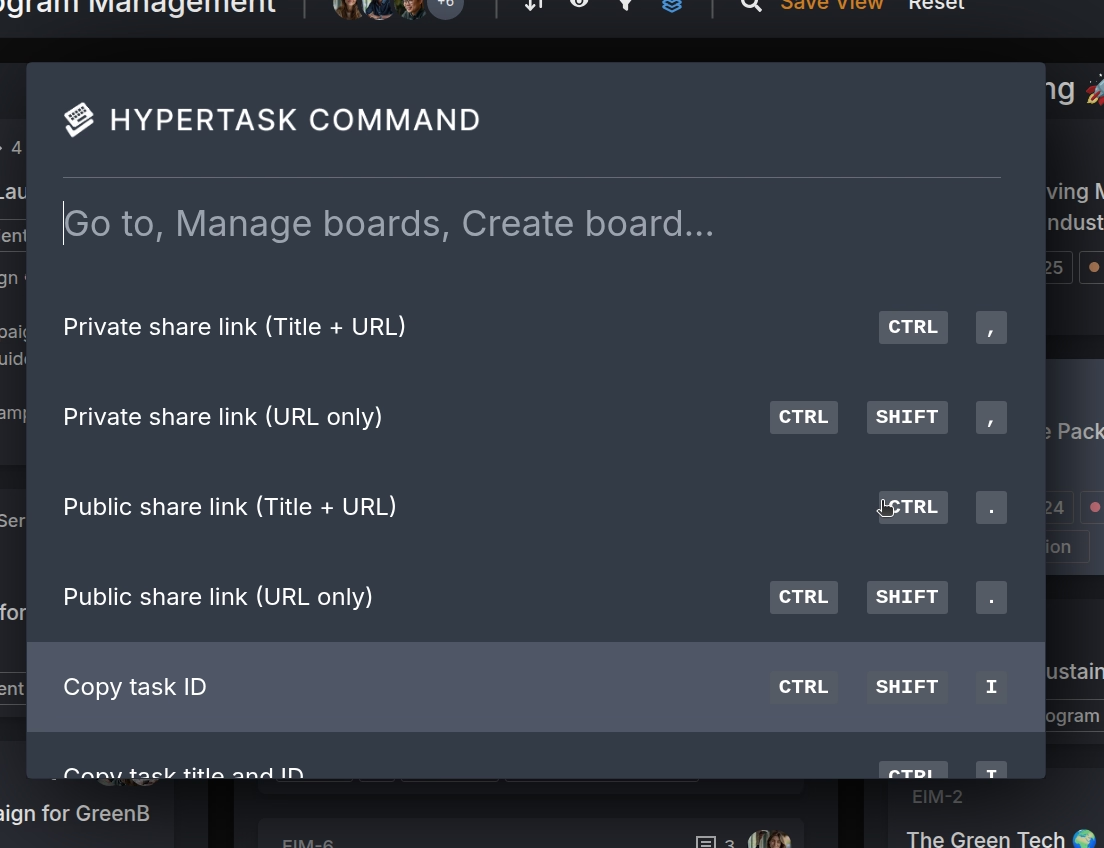
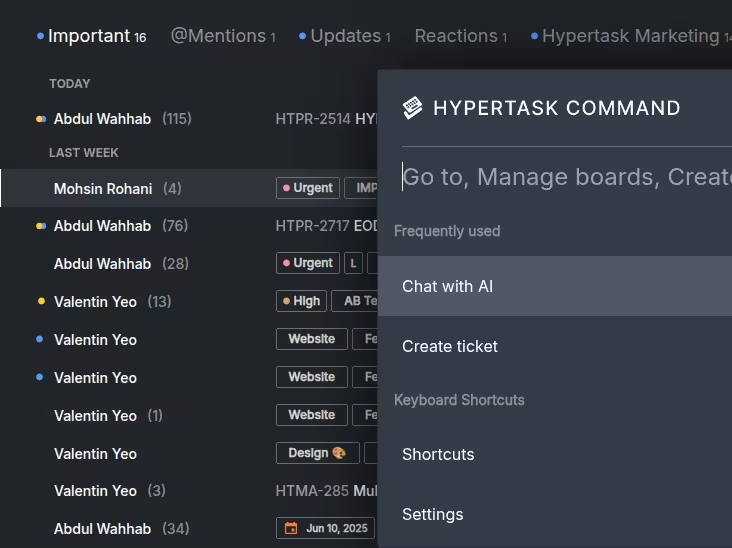
Hypertask Command Center
Ctrl+K for natural language commands and instant navigation
